WHC752R
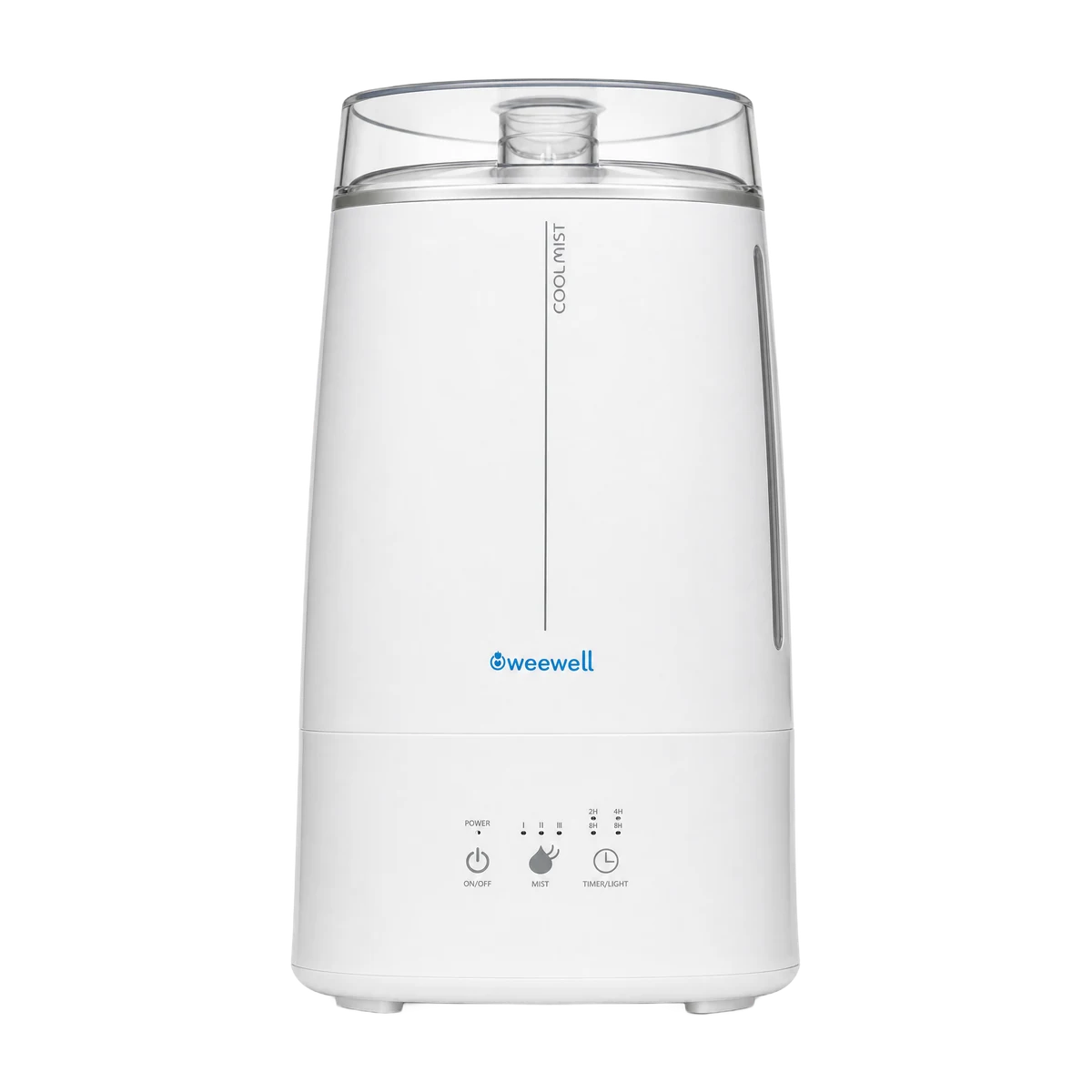
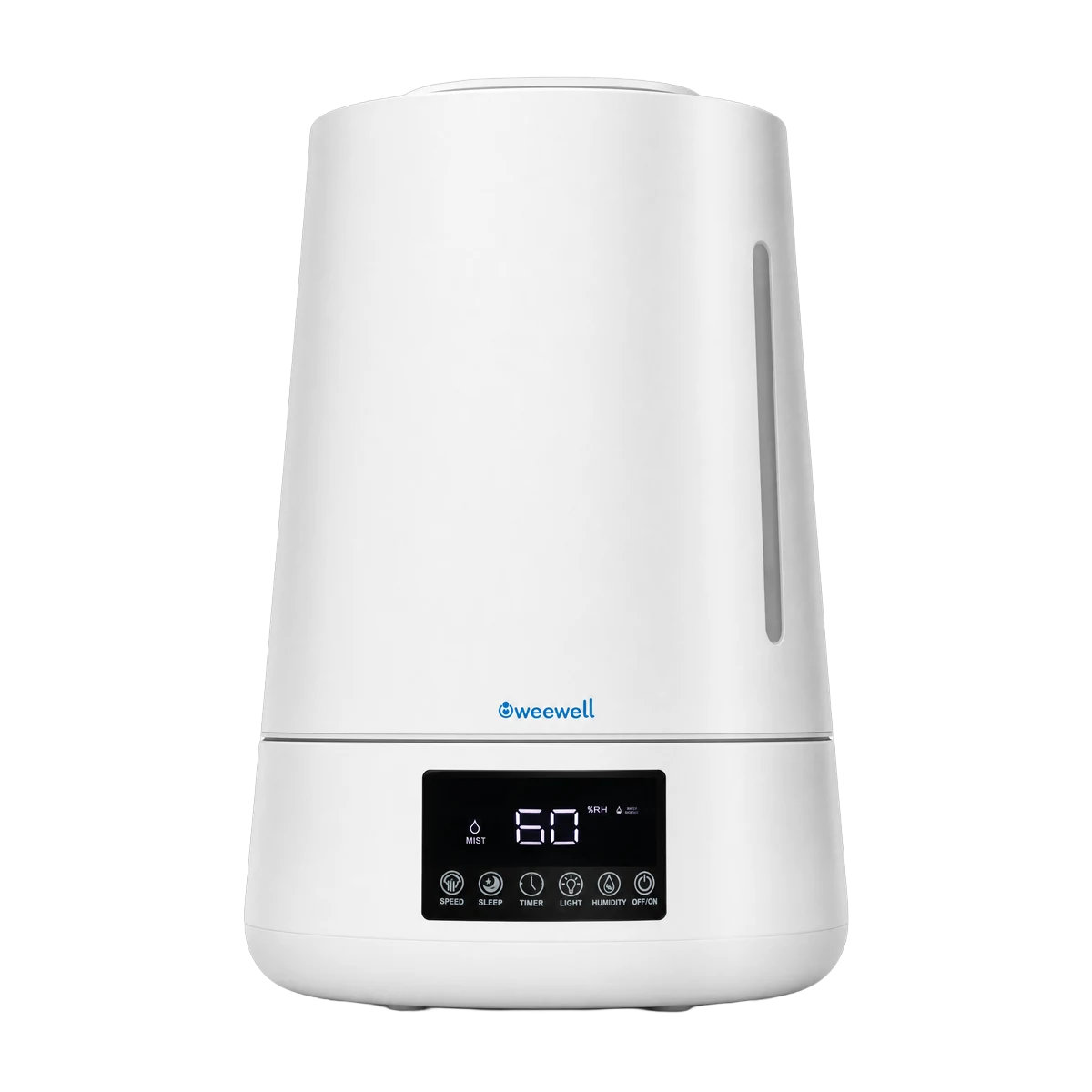
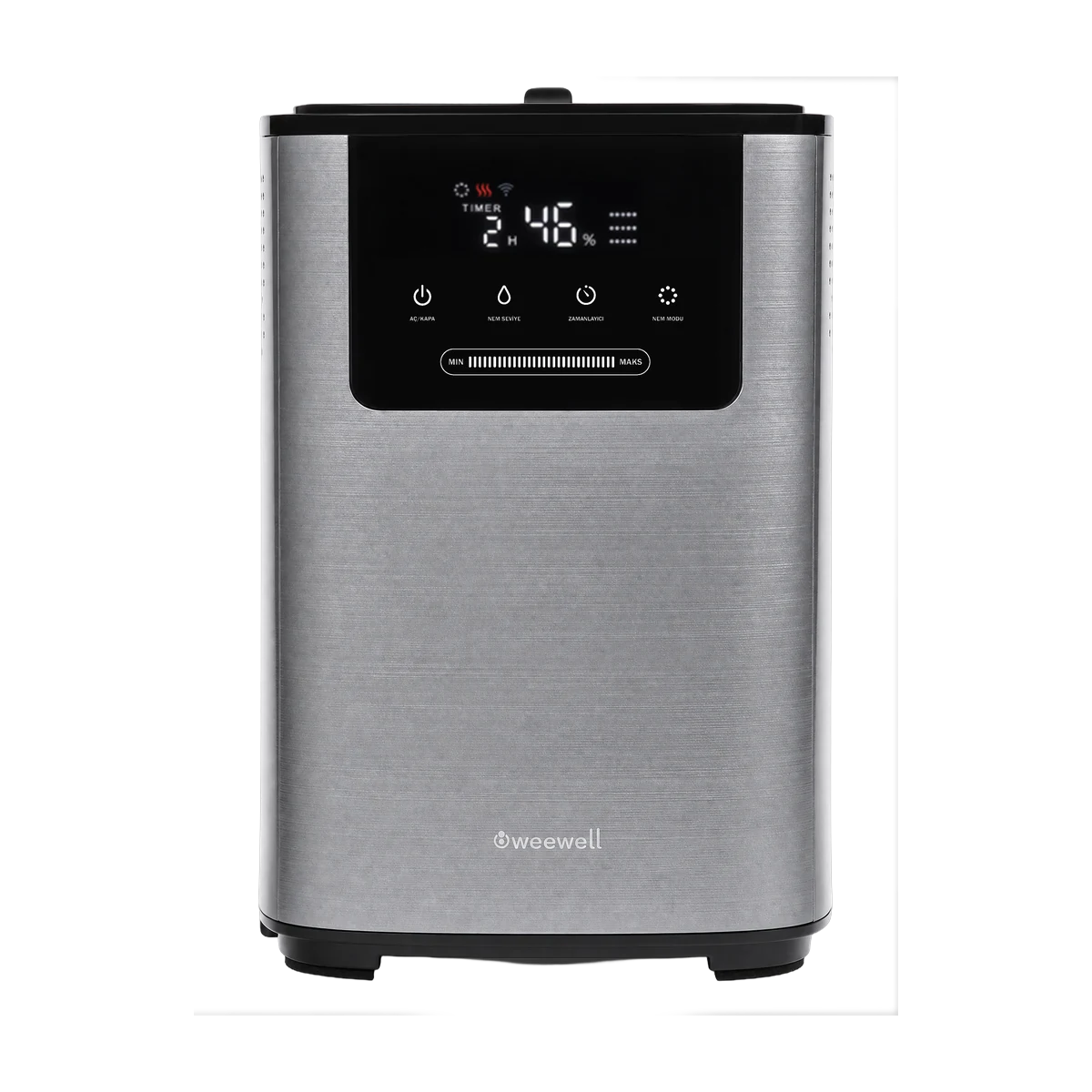
Smart Cool and Warm Mist Humidifier
Cool or warm mist, built-in ioniser and 40 m² coverage.
4.0 L water tank
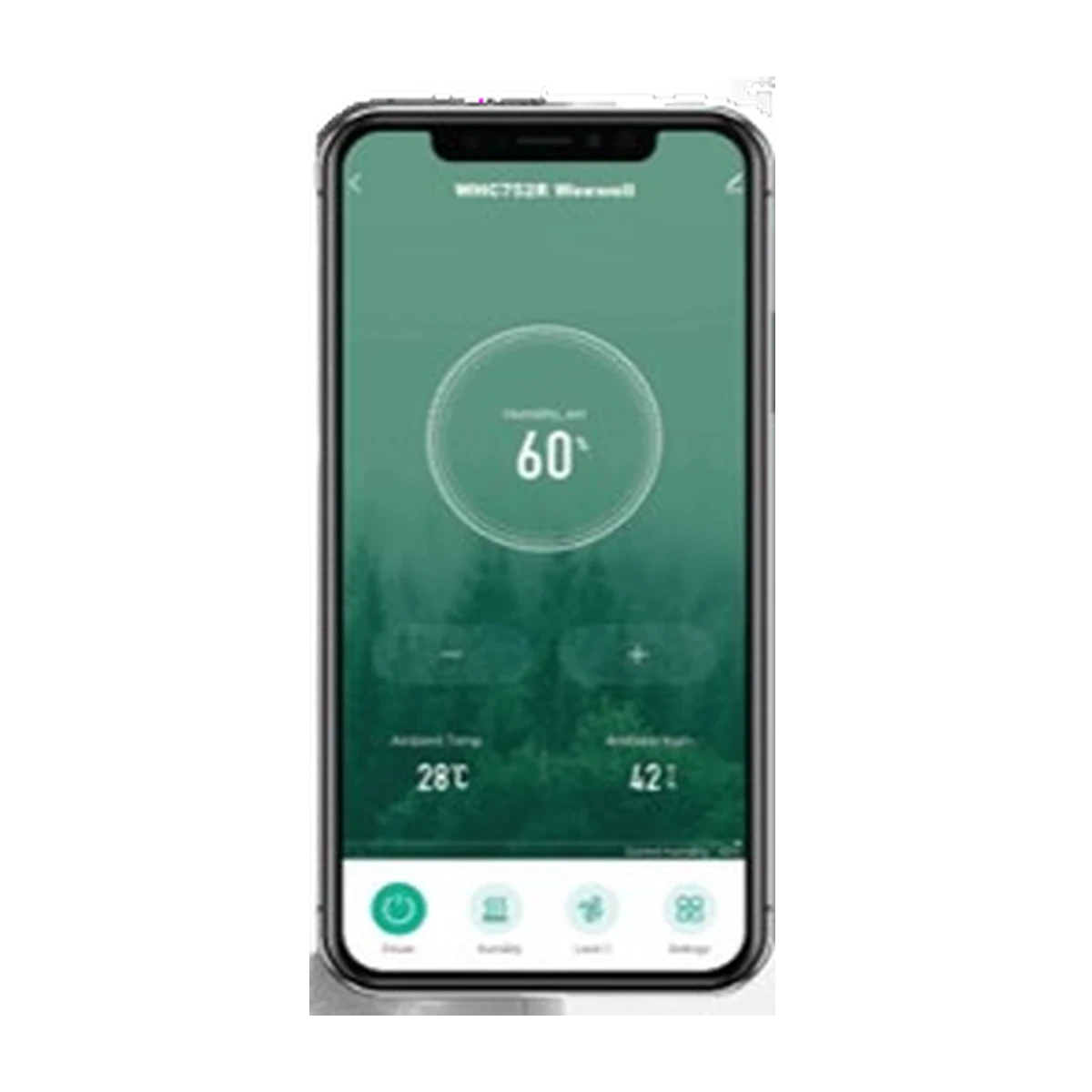
Tuya Smart app
Built-in ioniser
Features
- 5 levels of cool or warm mist
- Control from your phone with the Tuya Smart app (Android and iOS)
- Voice commands with Google Home and Assistant
- Advanced anti-limescale filter, aromatherapy compartment
- Backlit LCD and touch panel, IR remote control
- Removable water tank
- 40 m² coverage, 360° rotating nozzle
- Timer up to 12 hours, ultra-quiet
Technical specifications
Values are taken from the WHC752R user manual.
- Device type
- Warm and cool mist humidifier with ioniser
- Water tank capacity
- 4.0 L
- Humidifying power
- 30 / 110 W
- Voltage
- 220 – 240 V, 50/60 Hz
- Humidity output
- ≥ 350 ml/hour (±50 ml/hour)
- Noise level
- ≤ 35 dB(A)
- Coverage area
- 20 – 40 m²
- Product dimensions
- 22.4 x 22.4 x 33.5 cm
- Product weight
- 2.8 kg
- App
- Tuya Smart (Google Play · App Store)
- Connection
- Home Wi-Fi network · Bluetooth must be on for pairing
- Voice assistant
- Google Home and Google Assistant
- Mobile compatibility
- Android 5.0 and above · iOS 9.0 and above
- Service life
- 10 years
Frequently asked questions
When should I use cool mist and warm mist?
Cool mist is for general humidifying all year round. Warm mist keeps the room a little milder and is preferred in winter. You can switch between them from the panel or the remote control and choose the level that suits you from 5 settings. The warm mist feature is not for heating the room.
How do I control the device from my phone?
Install the Tuya Smart app from Google Play or the App Store and sign in with your account. During setup, your phone should be connected to your home Wi-Fi network with Bluetooth on, and the device should be plugged in and running. When the Wi-Fi icon on the device's screen starts flashing, open the "Add device" step in the app; the app finds the humidifier by itself, and you just add it.
What can I adjust from the app?
You can switch the device on and off, change the mist level and manage night mode. The same functions can also be used by voice through Google Home and Google Assistant; you only need to link your account with Tuya Smart once.
Can I use it without the app?
Yes. All functions can be managed from the touch panel on the device or the IR remote control in the box; the app is an extra option. For remote control, the device must be plugged in and connected to the internet.
What does the ioniser do?
The built-in ioniser releases negative ions into the air, making the room air feel fresher. You can switch it on and off from the panel whenever you like.
What size room is it suitable for?
It works effectively in spaces up to 40 m²; that is enough for a large bedroom or a living room. With the nozzle that rotates 360°, you can direct the mist wherever you like.
Is the water tank easy to clean?
The tank is removable; you can take it straight to the sink and rinse it. The advanced anti-limescale filter also holds back limescale in the water and keeps the inner surfaces clean.
How do I clean the humidifier?
Empty and rinse the tank every day and don't leave water standing in it. To prevent limescale build-up, clean it once a week as described in the manual. On models with a filter, clean or replace the filter at the interval given in the manual.
Which water should I use?
You get the best results with distilled or purified water: the device lasts longer and surfaces in the room stay clean. Tap water can also be used in areas with soft water. On models with an anti-limescale filter, cleaning the filter regularly keeps performance up.
Where should I put the device in my baby's room?
Place it on a flat, stable surface, away from the cot, with the mist outlet not pointing directly at your baby or at furniture. Keeping it off the floor stops condensed water from wetting the floor.
Is my product under warranty?
The warranty period is 2 years from the date of purchase. The terms are written on the warranty certificate in the box. Extra periods offered in e-commerce site campaigns do not extend our warranty.
Where should I send my faulty product for repair?
If your product is under warranty, the customer service of the store where you bought it can send it to our service with free shipping, and you can collect it from the store again. If you bought it online and the seller cannot offer free shipping, call us and we will share our contracted courier details. If the warranty has expired or you cannot find the invoice, you can send it to our service address with any courier, with shipping paid by the sender.
How long does a repair take?
Products found faulty under warranty are sent back repaired, or replaced with a new one with the same features, within 20 business days at most from the date they reach our service. The period starts when the parcel is delivered to the service.
Can't find what you're looking for? Visit our support page or contact our technical service.